Latest types of Printers and Scanners
Latest Types of printers and Scanners
1]Latest types of printers: -
Ø Ø Solid Ink Printers
Ø LED Printers
Ø Business Inkjet Printers
Ø Home Inkjet Printers
Ø Multifunction Printers
Ø Dot Matrix Printers
Ø 3D Printers
v
Office Printers
Laser Printers
The laser printer was developed by Xerox in the 1960s when the idea of using a laser to draw images onto a copier drum was first considered. Laser printers are still widely used in large offices as they are traditionally more efficient than inkjet printers.
Advantages:
● More cost effective than inkjet printers
● Increases productivity
● High print speed
● Higher paper capacity
● Often expandable with Paper Trays, finishers etc.
● Grows with your business
Disadvantages:
● May require short ‘warm-up times’
● Larger footprint
● High voltage usage leads to small carbon emissions
Solid Ink Printers
Solid ink printers utilise a unique form of ink technology, designed to save space and money on packaging. The printers melt solid ink sticks during the printing process – a method which can help produce more vibrant tones.
Advantages:
● Environmentally-friendly
● Produces vibrant tones
● Made from non-toxic vegetable oils
● Compact design
● Consumables require less storage
Disadvantages:
● Requires warm-up and cool-down time
● Prints cannot be laminated
LED Printers
LED printers are similar to laser printers but use a light emitting diode rather than a laser to create images on the print drum or belt. Due to their fewer moving parts – LED printers are often considered more efficient and reliable than laser printers. Our most popular LED printers are produced by OKI.
Advantages:
● Reliable and efficient
● Cheaper to manufacture than laser printers
● Often include free warranty extensions
Disadvantages:
● None
Business Inkjet Printers
Utilising inkjet technology on a large scale to accommodate the needs of a busy office with heavy reliance on printed output, inkjet printers are enduringly popular due to their reliability and robust nature.
Advantages:
● Capable of producing highly detailed and photo-realistic prints
● Limited warm-up time required
● Small footprint
Disadvantages:
● Higher cost-per-page than most laser printers
● Wet prints
● Can be less reliable than laser printers
Home Office Printers
Inkjet
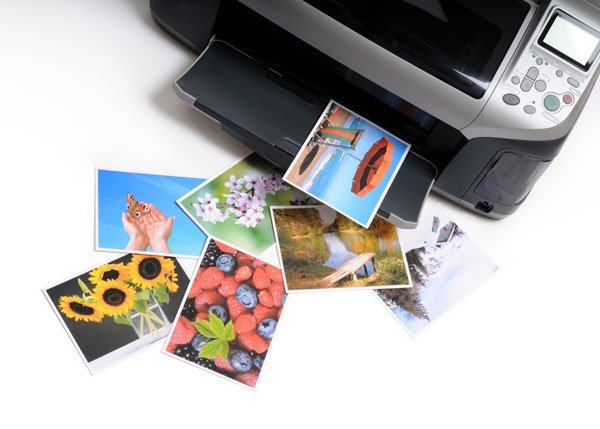
Inkjet printers are one of the most common types of printer used in both professional and domestic settings. Developed in the 1950s, inkjet printing technology is still hugely popular today due to its numerous advantages and minimal drawbacks.
Advantages:
● Capable of producing photo-realistic prints
● Practically no warm-up time
● Small footprint
Disadvantages:
● High running costs (Cost per page)
● Slow print speeds
● Sometimes produce erroneous empty cartridge warnings
● Prone to clogging
● Wet prints
Low Cost Inkjet Printers
Combining the high-quality print capabilities of inkjet technology with lower cost-per page functionality: low cost inkjet printers are well-suited to professional and domestic users working on a budget.
Advantages:
● Lower cost-per-page production
● Quick warm-up time
● Capable of producing fine, smooth, photo-realistic prints
Disadvantages:
● Potentially wet prints
Multifunction
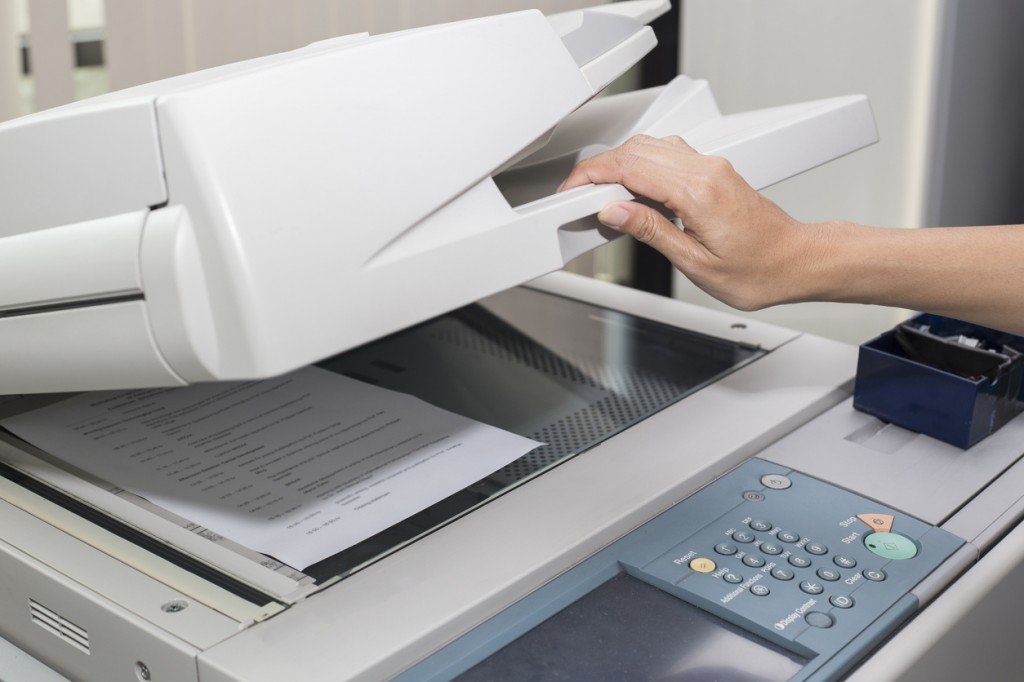
Sometimes known as all-in-one printers, multifunction printers are often capable of performing printing, copying, scanning, and faxing tasks. This can simplify the completion of multiple tasks within an office or domestic environment, with no need for more than one unit.
Advantages:
● More cost efficient than buying multiple devices
● More compact than buying multiple devices
● Perform numerous tasks simultaneously
● More power efficient than the implementation of numerous devices
Disadvantages:
● Can restrict usage time available for larger workgroups.
All-in-One Inkjets
Combining the technology of inkjet printing with the functionality of a multifunction printer: all-in-one inkjet printers are capable of providing full service to a busy office environment whilst retaining the high-quality prints that inkjet is known for.
Advantages:
● High quality printed output
● Cost efficient and compact alternative to buying numerous machines
● Power efficient
Disadvantages:
● Wet prints
● High running costs
Dot Matrix
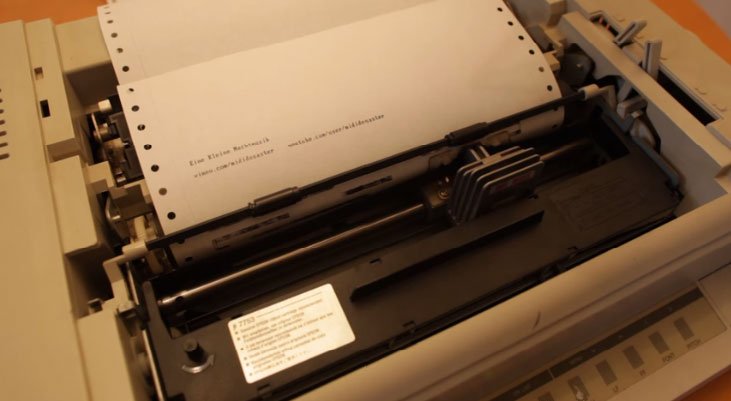
Dot matrix printer are the oldest established type of printers still available on the market. Images and text are drawn out in tiny dots when a print head strikes an ink-soaked cloth against the paper in the required pattern or formation.
Advantages:
● Low initial unit costs
● Low running costs
● Low maintenance costs
● Able to perform in hot and dirty conditions
Disadvantages:
● Low resolution printed output
● Noisy
A3
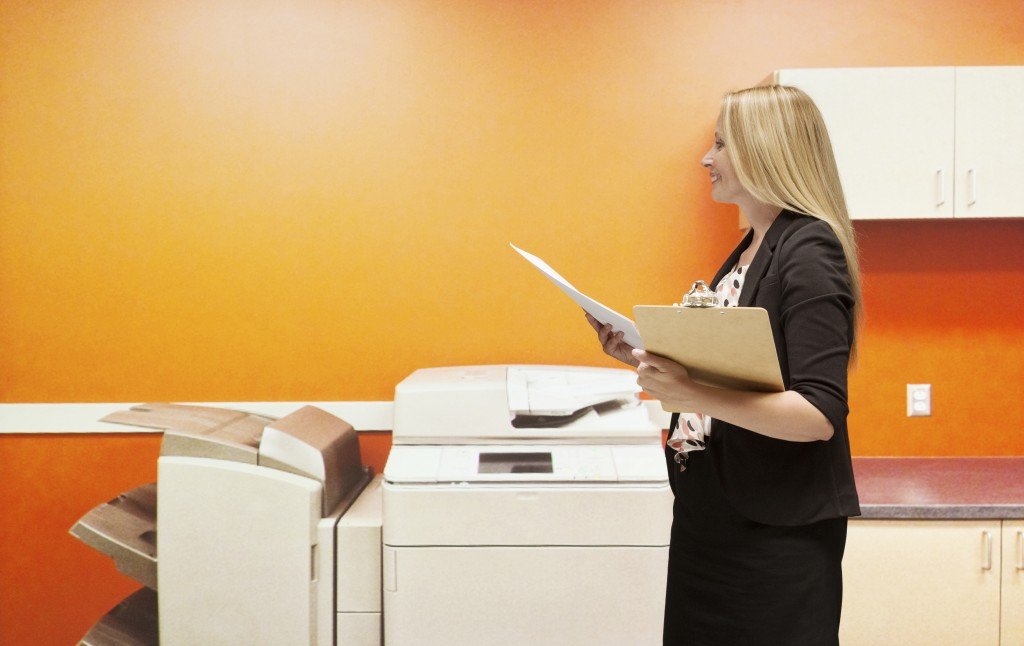
Capable of printing on A3 sheets, A3 printer are well-suited to business and domestic settings which require larger scale prints. A3 printers often have options to produce other sized prints and have numerous input trays, simplifying the process. They’re also available with both laser and inkjet technology.
Advantages:
● Larger print size
● A wider range of options
● Allows you to bring outsource print-runs back in-house
Disadvantages:
● Higher initial cost
● Larger footprint
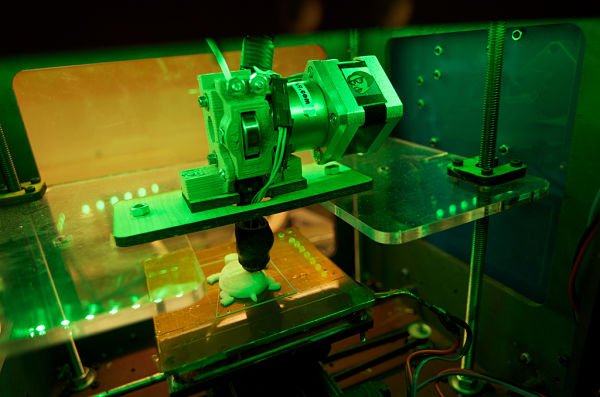
3D
One of the most exciting developments in printing technology history, 3D printing is becoming more affordable for professional and domestic users. Modern 3D printers are capable of producing 3D objects and items using high-quality resin.
Advantages:
● 3D prints
● Limitless possibilities
● Capacity for full customization
Disadvantages:
● High initial costs
● High resin costs
● Still developing technology
Latest types of Scanners: -
- Drum Scanners
- Flatbed Scanner
- Sheet-Fed Scanners
- Integrated Scanner
- Portable-Handheld scanner
Flatbed Scanners

These are the typical ones that have been there from the initial days from when the scanners were invented. They have a glass bed on which the materials, in this case, a sheet or a photograph, that have to be scanned are kept. These parts are exposed to the optical light that falls on the material and captures them pixel by pixel storing them onto the storage as a digital copy.
Flatbed scanners are mainly used to scan anything flat. The materials that are scanned using this scanner are:
- Photos
- Documents
- Thin Books
Automated Document Feeder

If you or the organization that you work in, demands a lot of scans, you would have already realized by now that how hard it is to scan bulk sheets and photos using flatbed scanners. Each document you have to scan has to be kept on the flatbed and the lid has to be closed before you actually scan.
To fasten this process, Automated Document Feeders (ADFs) were invented keeping in mind the speed. So, how is the ADF scanner different from the Flatbed Scanners. As the name suggests, there will be a place where the materials are inserted, also called a feeder.
These materials are sucked by the scanner and scanned using a similar concept as that of the light in a flatbed scanner. The main advantage of this over the flatbed scanner is the speed at which the materials get scanned.
Even here the materials that can be scanned are the same as what we could scan using the flatbed scanner. However, the height can be more than the A4 size sheet while in flatbed it is only confined to A4.
This comes with the speed with which the scanners can size measured by a unit called PPM (Pages Per Minute). On average, an ADF can scan up to 100 PPM, while the flatbed is confined to a maximum of 5 ppm.
Overhead Scanners

Until now, the scanners that we have read about are the ones that scan the materials that pass through them very closely. Even a little far from the scanners will make the materials blurred.
So, if I want to scan a material that is not flat, how do I do? This is what gave birth to what is called as an Overhead Scanner. The Overhead Scanners uses one or two digital cameras, around 10 to 12 inches under the camera(s), will be the material that has to be scanned.
This material will be scanned by the Overhead Digital Cameras. Each time something triggers the cameras, the materials beneath them are scanned and stored into the computer’s hard drive.
The materials that are scanned are not limited to flat shaped ones, instead they can be of any shape. This makes it easier for us to scan:
- Books
- Manuscripts
- Stone Carvings
- Documents
Handheld Scanners

The scanners we have talked about until now are all bulky ones, in the sense that they are not portable. Some organizations needed small devices that could do the job of a flatbed scanner for a small set of documents. This is when the handheld scanners were introduced.
Even they run on the same concept as any other scanner, the difference lies in its nature. This is a small rod kind of a scanner that can be held by a hand, hence the name handheld scanner.
To operate, you just need to hover over the material that needs to be scanned, and there you go, it gets captured while the button is pressed and gets store in the memory card that is inserted into a place dedicated to it.
Once scanned, the digital content stored in the memory card has to be copied completing the scanning process. This again can scan only flat surfaces like the flatbed scanner. It is mostly used to quickly scan a few documents piled up from the previous day.
Slides/Negatives Scanners

We have covered the flatbed scanners and said in our previous sections about how they are scanned. But these flatbed photo scanners cannot scan the negatives or slides (transparencies in the form of reels we used to insert in analog cameras). To scan them we need to have a different setup.
The scanner in the first place should have place holders where the negatives of different sizes can be inserted into. Negatives of different sizes have different accessories or placeholders where we can insert them while the slides have different placeholders where they fit into.
Once inserted, they have to be scanned with both sides emitting light. On one side there will be a light-emitting bar that will be scanning while on the other side, a light helps brighten up the transparency, enabling the LED bar scan.
As it is scanned, the negatives will be inverted making the transparencies look like digital images, ready to be printed.
Book Scanners

This scanner is an overhead scanner. Despite the fact that it is an overhead scanner, it is worth mentioning about this scanner is a separate scanner because of its unique way of working.
This is specifically made for books. A V-Cradle on which books are kept without cutting open the spine and two overhead cameras will be capturing each side of the page one after the other. Each page will be stored in the order of the page number mentioned in the book.
These stored images are post-processed using bulk cleaning tools after which a PDF is created out of this. This is a very helpful way to scan books without cutting open the spine of the book and hence this scanner is also called a non-destructive scanner.
QR Code or Barcode Scanners

Though this reads the analog world entities just like the conventional scanners, the reason behind mentioning the scanner here is because of its power of deciphering the codes embedded using the same concepts as that of a camera which in turn derives its concepts from a conventional scanner.
The processing that it does is known by the name digital image processing, which is a wider topic that I would like to cover soon and is out of scope of this article.
Big Format Scanners

These are the scanners that are used to scan big sheets. Civil Contractors, Building Constructors, Architects, Map Listers and the like make use of such services. They will be dealing with large maps or designs, also called as Blue Prints that will come in sheets that are bigger than A4.
These big sheets are to be scanned using equally big scanners. They will be similar to ADF that I have written about in the previous sections. Large-format sheets have to be fed into the input area of the scanners. The scanners in turn suck the sheets, scan them in the preferred resolution.
This invention has enabled the digitization of a lot of blue prints that the builders and constructors have.
Drum Scanners

There could be some instances when the photos have to be captured or scanned at the highest resolution when the resolution of a conventional flatbed photo scanner is not enough. In such cases, the scanner that is used is called a drum scanner.
The drum scanner can capture the highest of the available resolutions, by clamping or fitting the photos into a clear cylinder and spinning the cylinder exceeding 1000 RPM (Rotations Per Minute) during the scanning operation.
The concept of scanning is done using similar ways that are used in the flatbed. However, here a light source is focused on the photo pixel by pixel and moves down the drum, line by line. This ensures that the photos are scanned in a higher and better resolution.
Comments
Post a Comment